
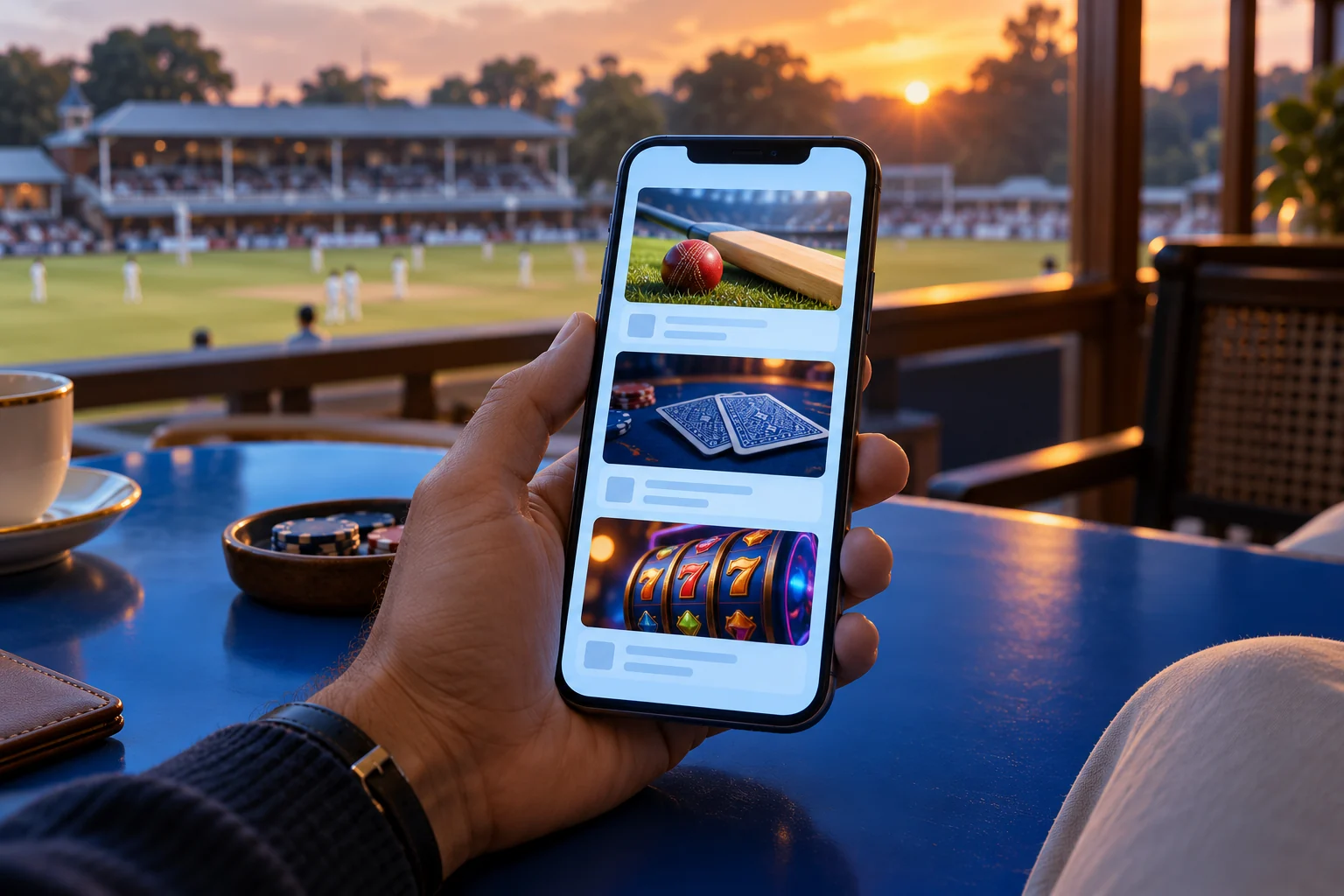
A phone puts cricket, casino guides and account details into the same small space. That is convenient, and it is also where details get missed. A shortened heading, a partly visible amount or a scrolled-past line can change what you think you are reading. This page explains how to read the site on a phone and what to check before acting.
Find the guide that matches your task
Start with the topic, not the search box. The menu covers cricket, slots, live tables, payments, mobile use and account protection. If you want to check a deposit record, open the payment guide rather than scanning a game article for a banking line.
The independent overview explains the stated categories in one place and works as a hub when you want to move between subjects. The login and registration panels you may see on this site are interface previews only. They do not connect to an operator and cannot open or authenticate an account. Do not enter real operator credentials into any such panel on this publication.
Check what the small screen hides
Read the full heading and the sentence directly beneath it. A label cut to fit a narrow column can drop the key word: which innings, which game version, which transaction. Scroll through a terms section rather than stopping at the first visible line.
If the text is small, use the browser’s zoom or accessibility controls. Rotate the device when a wide table needs space. Give a button a deliberate tap rather than a quick one, particularly when you are moving toward a confirmation screen.
- Read the complete title and the text under it.
- Check the currency and units beside each amount.
- Open the rules or terms behind the detail.
- Review a request fully before confirming.
Responsive layout is easy to check on this site. Shrink the window or rotate the phone: headings should reflow, images should stay in frame and tables should become scrollable rather than clipped. If anything is cut off, that is a signal to enlarge the view, not to guess.
Distinguish mobile access from an app
This site works in a mobile browser. It does not offer a native app, a download file or an app-store listing, and nothing here should be read as claiming that one exists. If a service elsewhere advertises a download, verify it through that service’s established official channel before installing anything.
Be cautious with attachments and installation links that arrive in unsolicited messages. The account protection guide covers address checks and fake support in more detail.
Keep account and payment records within reach
On your own phone, use the device lock controls and keep the browser updated. On a borrowed device, avoid saving credentials and sign out at the end of every session. Cover private information before sharing a screenshot for support.
For a payment query, note both the reference and the status the payment app displayed, as well as what the service record showed. Changing apps makes it easy to lose track of which step completed. The INR payment guide explains that distinction.
Most of all, decide how long you plan to spend before you open a long match or a game session. Set the phone down when that limit is up, even if the screen is still busy. Adults 18+ only; current terms and eligibility apply. Mobile access does not remove the risk of losing money.